AI that lives in your

everyday tools

everyday tools

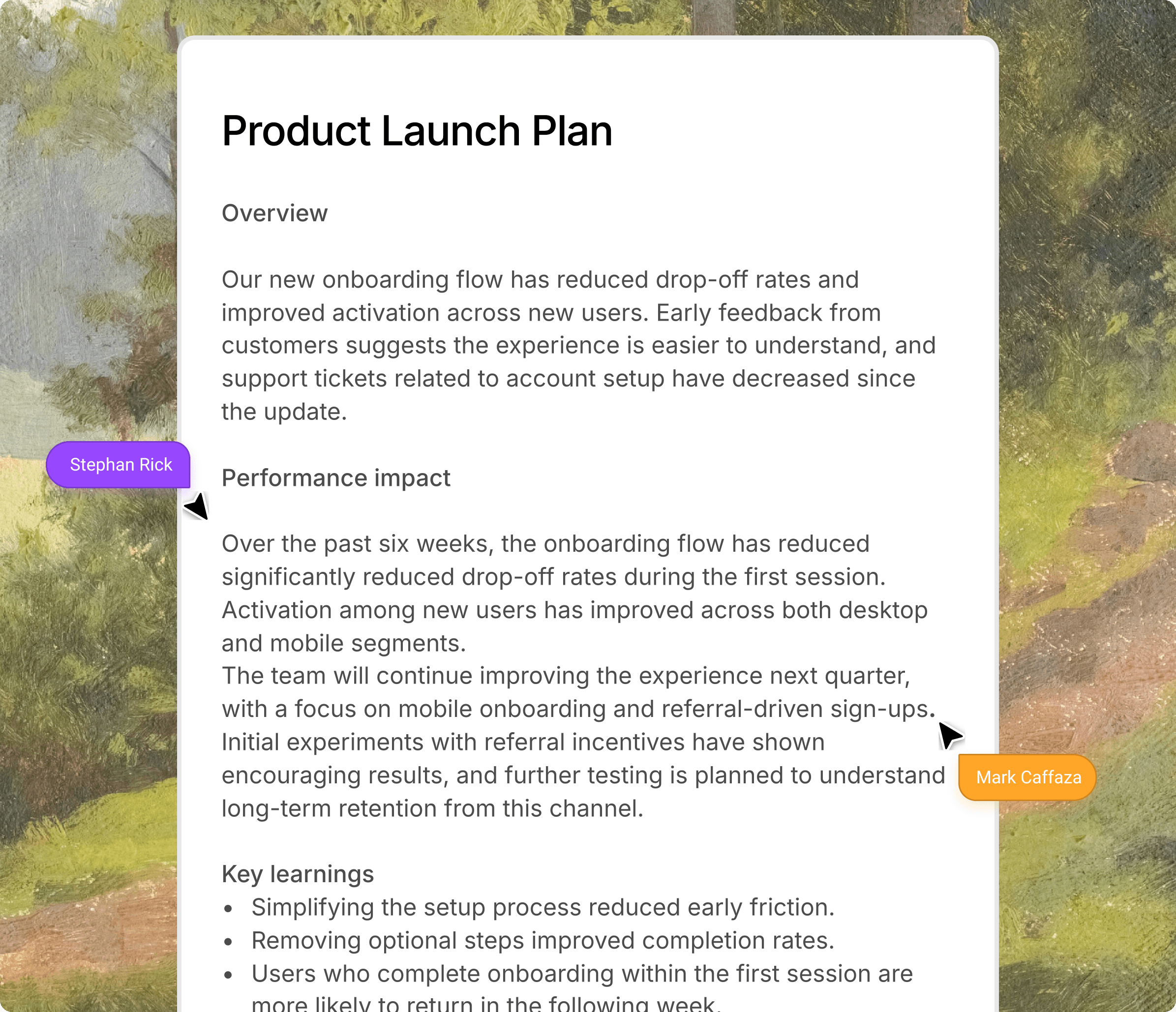
Trellis builds formulas, writes docs, and pulls info from the web, all where you already work

painting of window

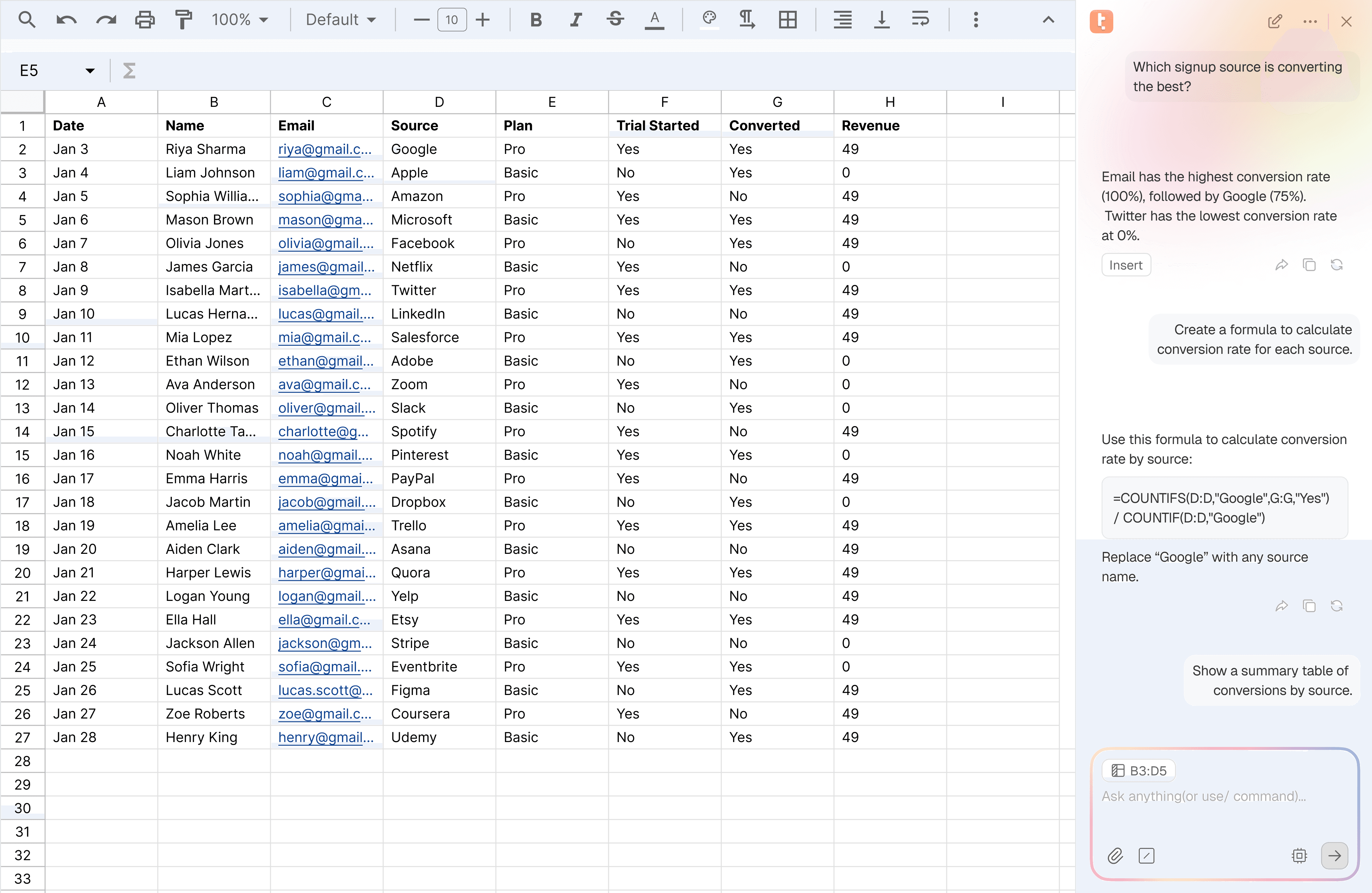
Sheets

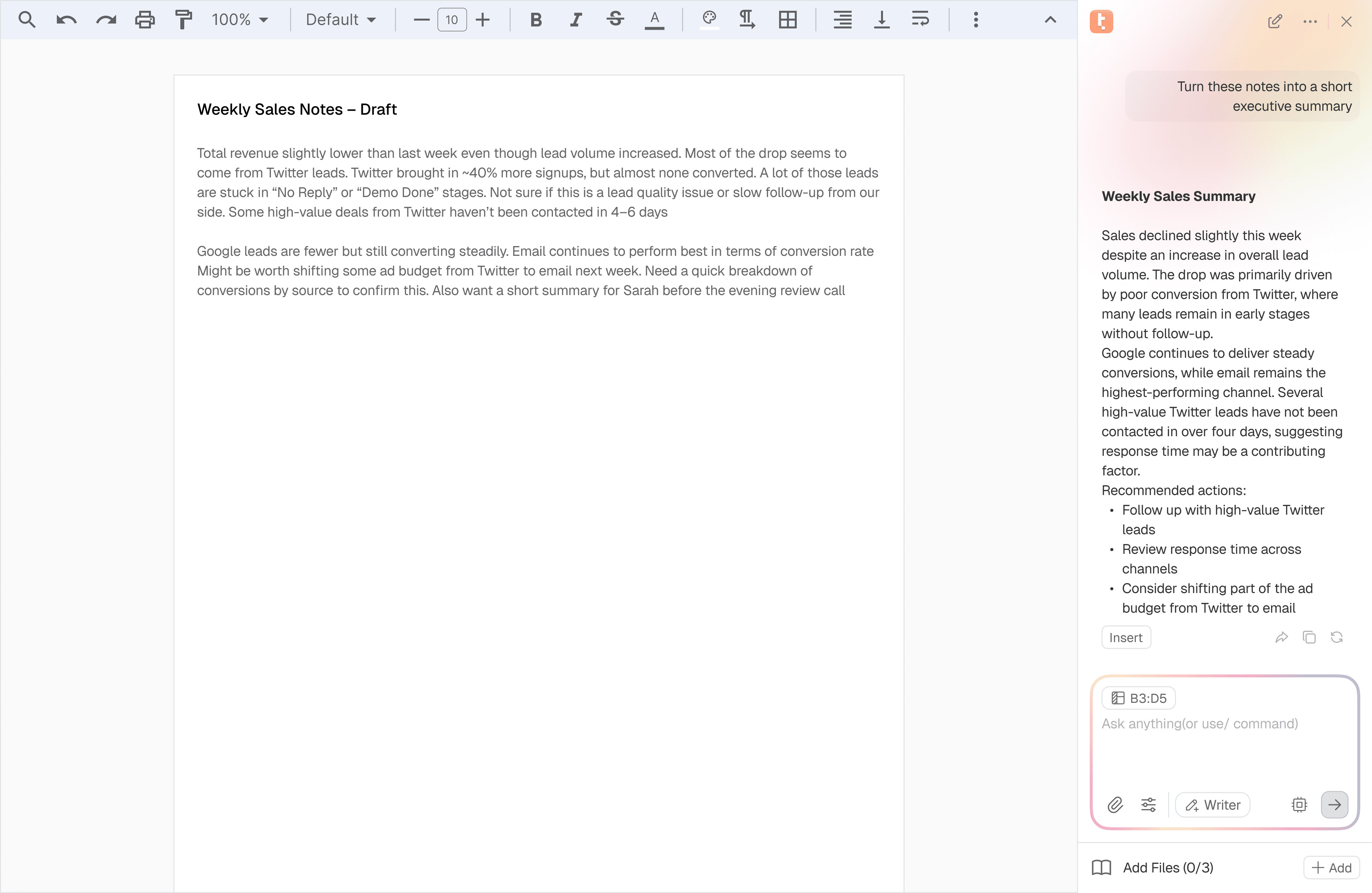
Docs

Sheets

Docs

painting of window

Sheets

Docs

Trellis for Excel/Sheets

Trellis for Excel/Sheets

Your spreadsheets just got an upgrade.

Your spreadsheets just got an upgrade.

Create formulas from plain language

Create formulas from plain language

Tell Trellis what you want to calculate and it writes the formulas for you

Generate a formula to Calculate ROI for each campaign using revenue and ad spend and fill column E.

Here’s the formula to calculate ROI:

excel

=(F2 - E2) / E2

It uses Revenue (column D) and Ad Spend (column C).

Paste this into E2 and drag it down to see ROI for every campaign.

Generate a formula to Calculate ROI for each campaign using revenue and ad spend and fill column E.

Here’s the formula to calculate ROI:

excel

=(F2 - E2) / E2

It uses Revenue (column D) and Ad Spend (column C).

Paste this into E2 and drag it down to see ROI for every campaign.

Pull data from the web

Pull data from the web

Bring live results into your sheet and generate images as well

= AI_WEB("Best tools for email marketing with their website links.")

A

B

C

D

1

2

3

4

5

6

7

Get Insights

Get Insights

Ask Trellis to analyse trends, explain results, or highlight what’s important

Generating Insights

Revenue is steadily increasing month over month, showing consistent growth across the period. This suggests that recent campaigns and scaling efforts are effectively driving higher overall performance.


The growth appears to be primarily driven by increased ad spend rather than major a in conversion efficiency.


Overall performance is positive, but growth is increasingly dependent on higher spend. Improving campaign efficiency and optimizing high-performing channels could deliver more sustainable results than continuing to scale budget alone.

Insert

Generating Insights

Revenue is steadily increasing month over month, showing consistent growth across the period. This suggests that recent campaigns and scaling efforts are effectively driving higher overall performance.


The growth appears to be primarily driven by increased ad spend rather than major a in conversion efficiency.


Overall performance is positive, but growth is increasingly dependent on higher spend. Improving campaign efficiency and optimizing high-performing channels could deliver more sustainable results than continuing to scale budget alone.

Insert

Build dashboards instantly

Build dashboards instantly

Generate tables, charts, and summaries in one click. Trellis handles the setup so you can focus on the work that matters
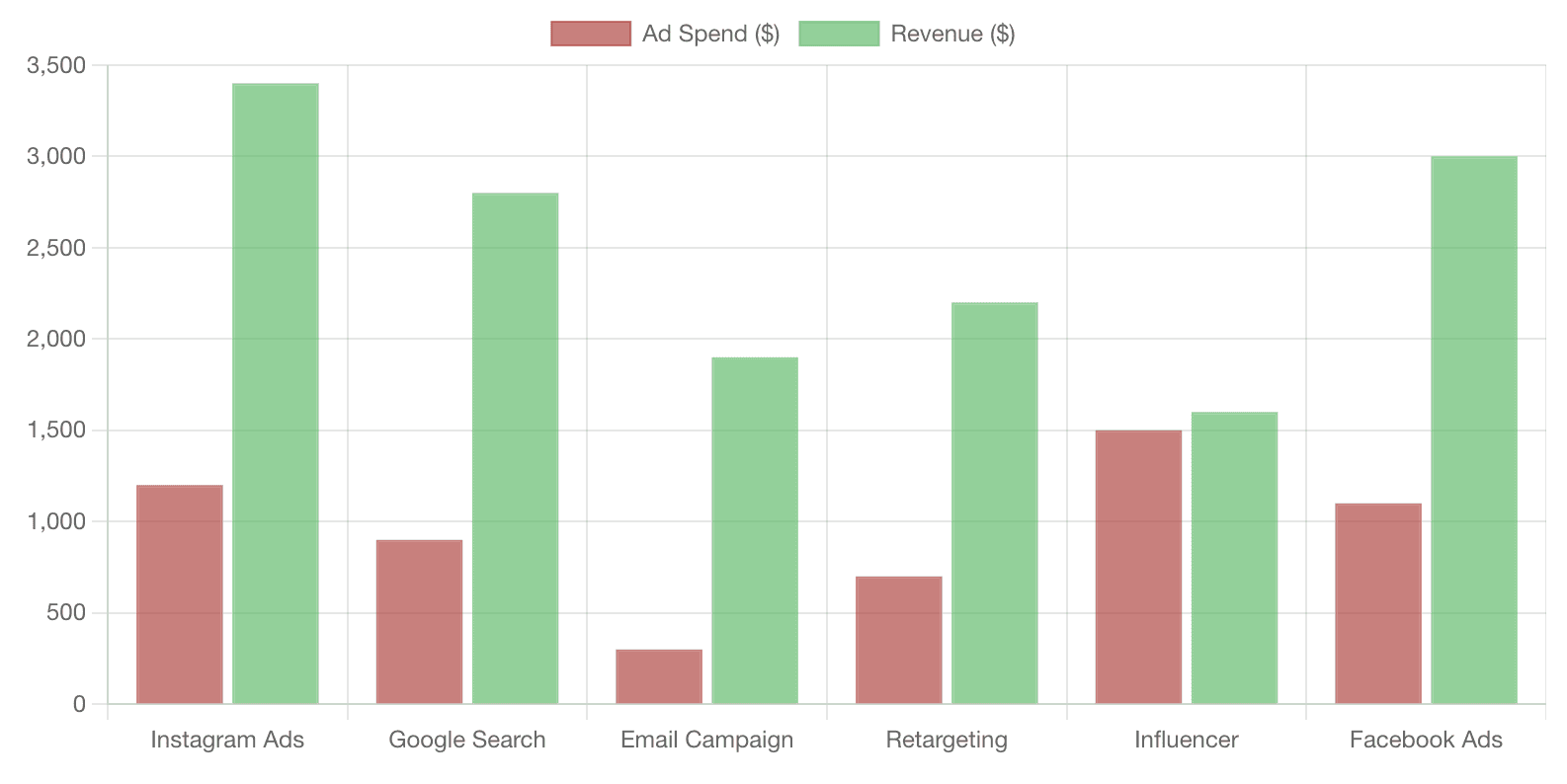
Turn this table into a dashboard showing performance and top campaigns

Date

Campaign

Ad Spend ($)

Revenue($)

Conversions

1

Jan1

Instagram Ads

$1200

$3400

42

2

Jan2

Google Search

$900

$2800

35

3

Jan 3

Email Campaign

$300

$1900

28

4

Jan 4

Retargeting

$700

$2200

31

5

Jan 5

Influencer

$1500

$1600

18

6

Jan 6

Facebook Ads

$1100

$3000

40

7

8

9

10

11

12

13

14

15

16

17

18

Turn this table into a dashboard showing performance and top campaigns

Date

Campaign

Ad Spend ($)

Revenue($)

Conversions

1

Jan1

Instagram Ads

$1200

$3400

42

2

Jan2

Google Search

$900

$2800

35

3

Jan 3

Email Campaign

$300

$1900

28

4

Jan 4

Retargeting

$700

$2200

31

5

Jan 5

Influencer

$1500

$1600

18

6

Jan 6

Facebook Ads

$1100

$3000

40

7

8

9

10

11

12

13

14

15

16

17

18

Turn this table into a dashboard showing performance and top campaigns

Date

Campaign

Ad Spend ($)

Revenue($)

Conversions

1

Jan1

Instagram Ads

$1200

$3400

42

2

Jan2

Google Search

$900

$2800

35

3

Jan 3

Email Campaign

$300

$1900

28

4

Jan 4

Retargeting

$700

$2200

31

5

Jan 5

Influencer

$1500

$1600

18

6

Jan 6

Facebook Ads

$1100

$3000

40

7

8

9

10

11

12

13

14

15

16

17

18

KPI Dashboards

KPI Dashboards

KPI Dashboards

Build dashboards, track and benchmark metrics using sales, engagement, and other data.

Automated SEO Insights

Automated SEO Insights

Automated SEO Insights

Generate optimisation insights from site audit data automatically.

Customer Support Analytics

Customer Support Analytics

Customer Support Analytics

Analyse feedback sentiment, segment tickets and draft responses.

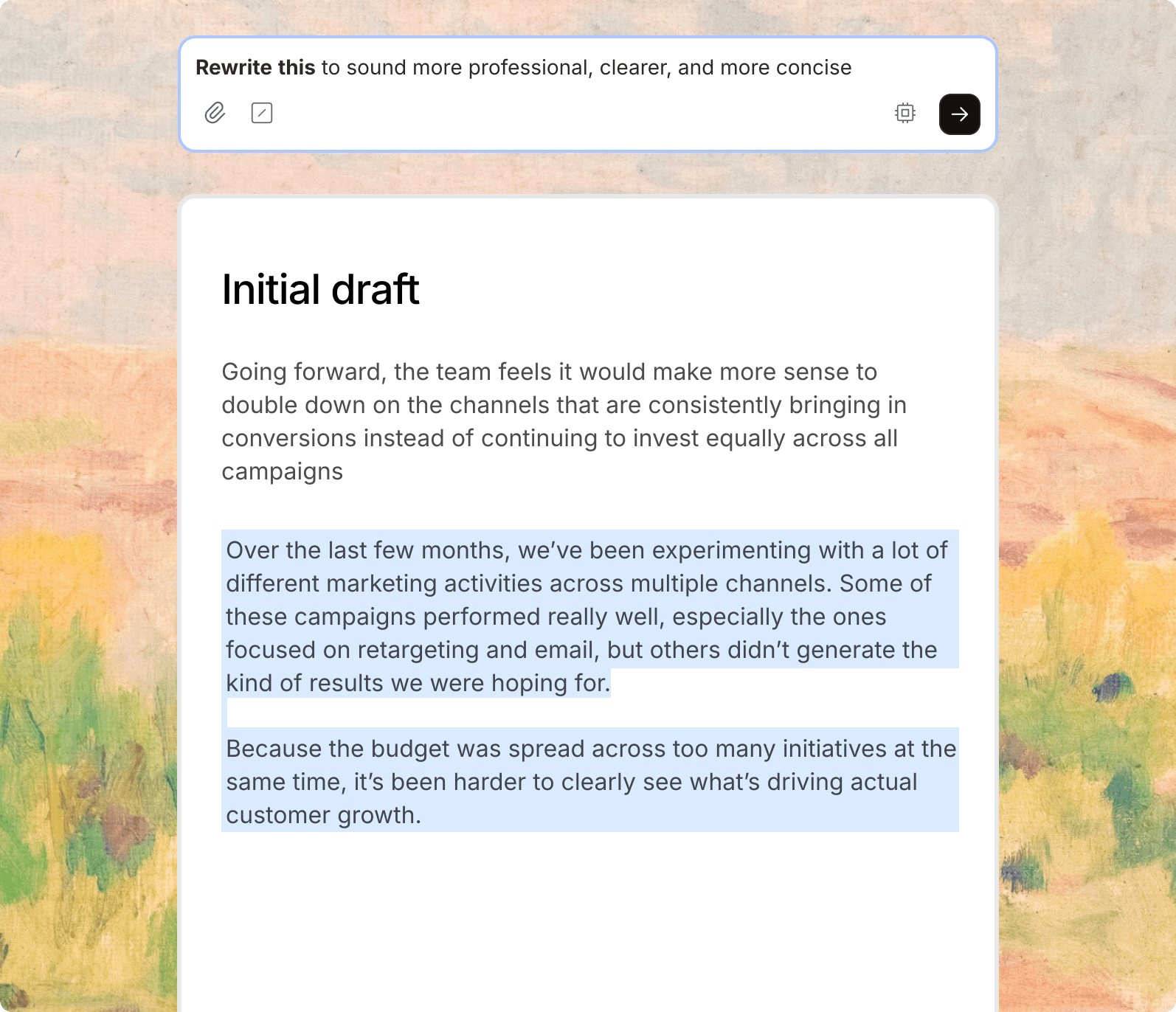
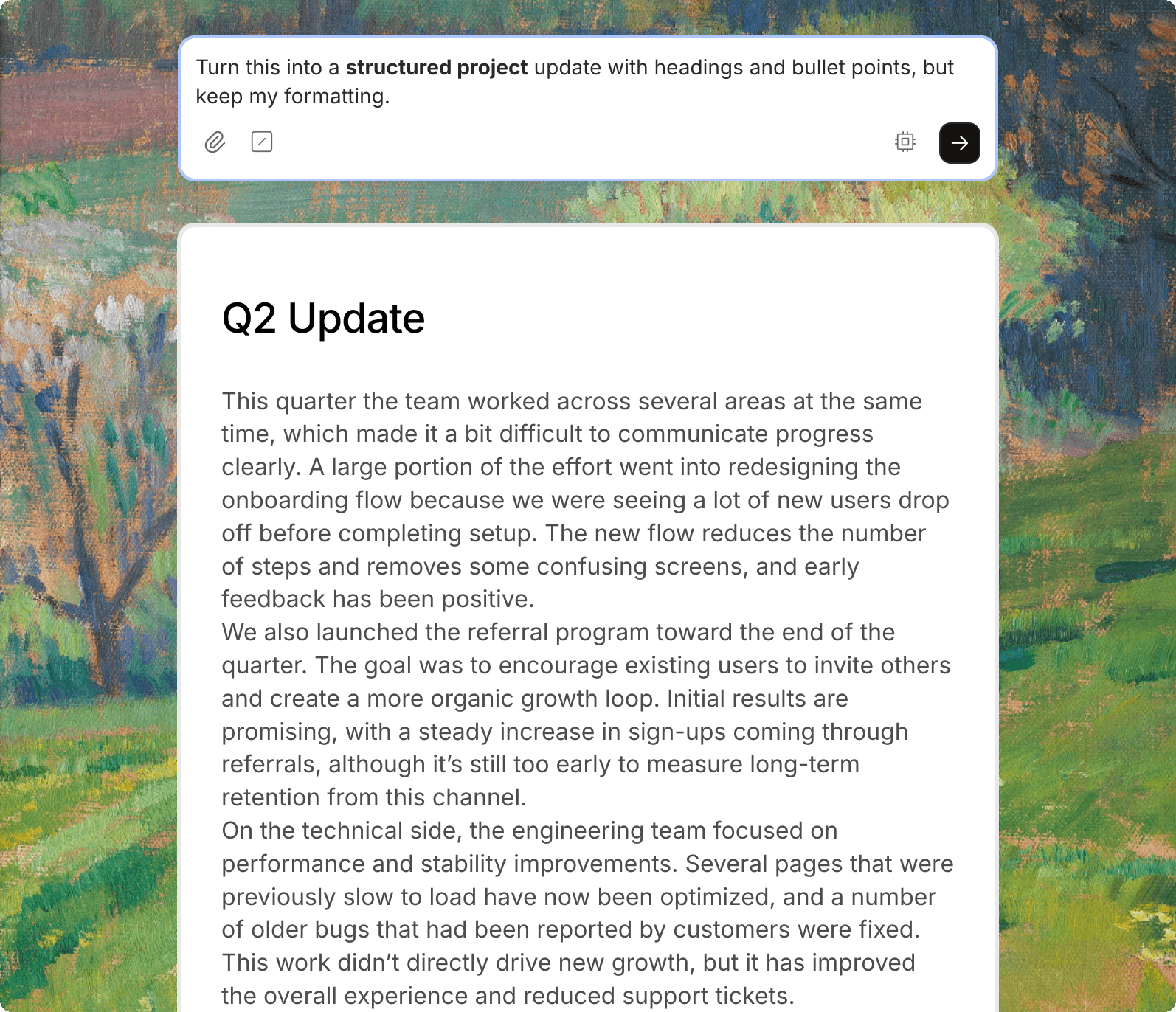
Trellis for Word/Docs

Write smarter, faster and clearer, all inside Docs.
How it works?

Get Started in 3 simple steps

Trellis

Trellis is an extension for excel and word which helpss

1

Install the Extension

Add the add-on for Google or Microsoft accounts by clicking the install button.

Trellis

Trellis is an extension for excel and word which helpss

1

Install the Extension

Add the add-on for Google or Microsoft accounts by clicking the install button.

2

Activate in Word/Docs or Excel/Sheets

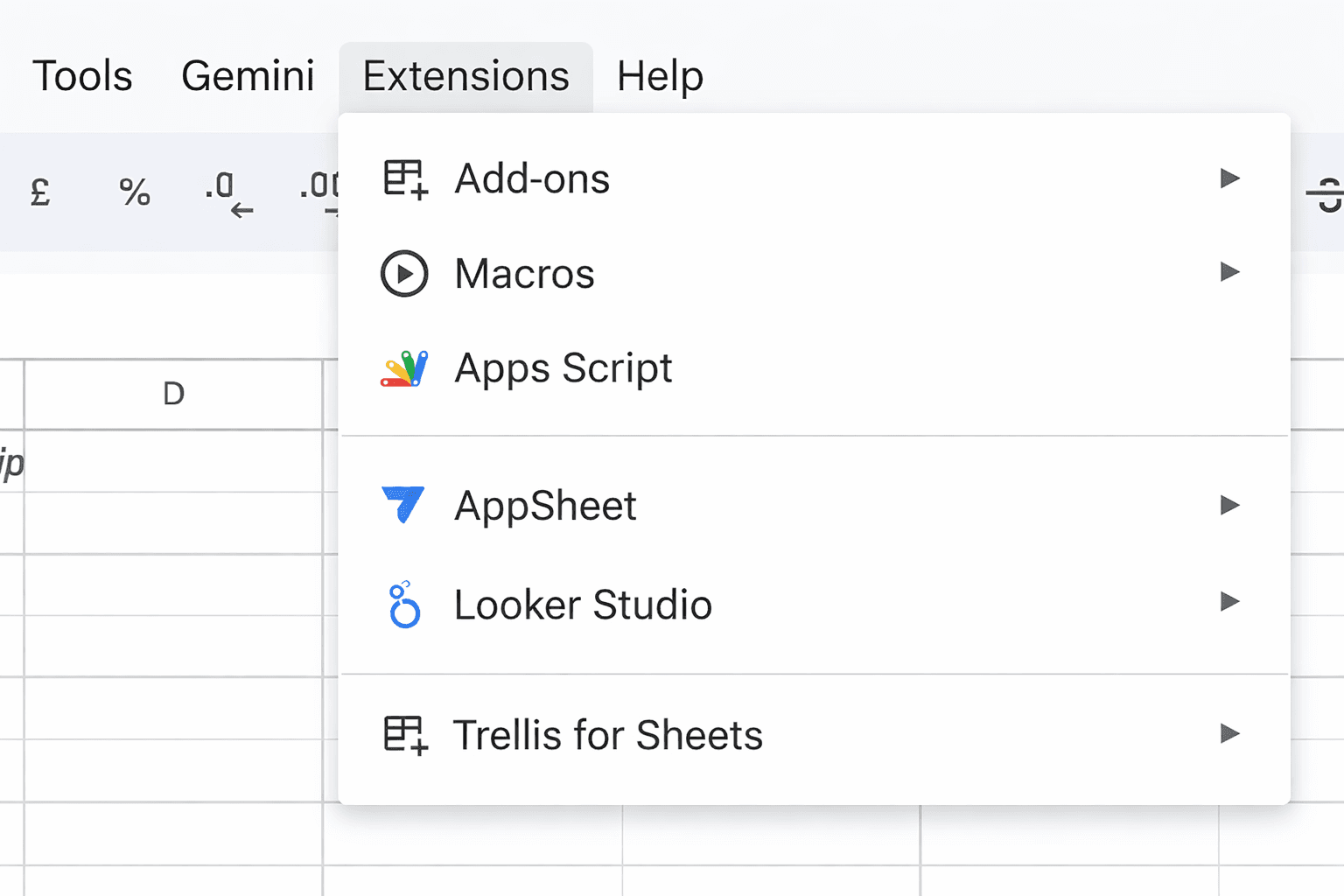
Open the extensions menu, select Trellis for Word/Docs and Excel/Sheets and hit Start.
3

Use AI Right Inside your Document

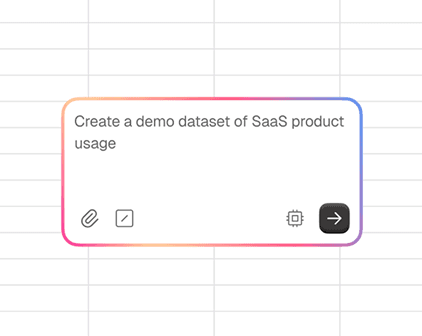
Type =AI_WEB("your prompt") into any cell and Trellis will generate the output directly where you need it.

Choose a plan that works for you

Pick a Plan

Pay annually (get discount %)

USD($)

INR(₹)

Free

₹0

Get started with Trellis AI

800 tokens per week

Access Trellis as excel/word add-ins, google sheets/docs add-ons

Unlimited file creation/edits

Access to formula generation, AI formulas, writer mode, upload files and more features

Access to all AI models

Access to chat history & basic analytics

Pro

Most popular

₹2900/month

Best for advanced users and growing teams

Everything in Free +

10M tokens per month

Seamless model switching (no context loss)

Access to pre-configured templates

Usage stats and analytics

Standard support (24h SLA)

Bring your own LLM API key access

Exclusive partner deals for AI tools (coming soon)

Token Packs at

Pay As You Go

Everything in Free +

Buy tokens as needed

Multiple package sizes available

No recurring subscription

Usage stats & analytics

Standard Support (24 SLA)

Exclusive partner deals for AI tools (coming soon)

Enterprise

Custom pricing for organizations that need advanced security, custom integrations and SLAs.

Pay annually (get discount %)

USD($)

INR(₹)

Free

₹0

Get started with Trellis AI

800 tokens per week

Access Trellis as excel/word add-ins, google sheets/docs add-ons

Unlimited file creation/edits

Access to formula generation, AI formulas, writer mode, upload files and more features

Access to all AI models

Access to chat history & basic analytics

Pro

Most popular

₹2900/month

Best for advanced users and growing teams

Everything in Free +

10M tokens per month

Seamless model switching (no context loss)

Access to pre-configured templates

Usage stats and analytics

Standard support (24h SLA)

Bring your own LLM API key access

Exclusive partner deals for AI tools (coming soon)

Token Packs at

Pay As You Go

Everything in Free +

Buy tokens as needed

Multiple package sizes available

No recurring subscription

Usage stats & analytics

Standard Support (24 SLA)

Exclusive partner deals for AI tools (coming soon)

Enterprise

Custom pricing for organizations that need advanced security, custom integrations and SLAs.

black and gray checkered textile
  • Highlight any unusual spikes or drops in this dataset

  • Extract the main customer complaints from this feedback document

  • Predict next month's sales based on previous trends

  • Create an action plan based on the points in this document

  • Predict next month’s sales based on previous trends.

  • Based on the last six months of data, forecast next month’s sales

  • Extract the main customer complaints from this feedback document

  • Create a simple dashboard with total revenue, top product, and growth rate

GET STARTED

Your tools were never meant to do all that

Your tools were never
meant to do all that

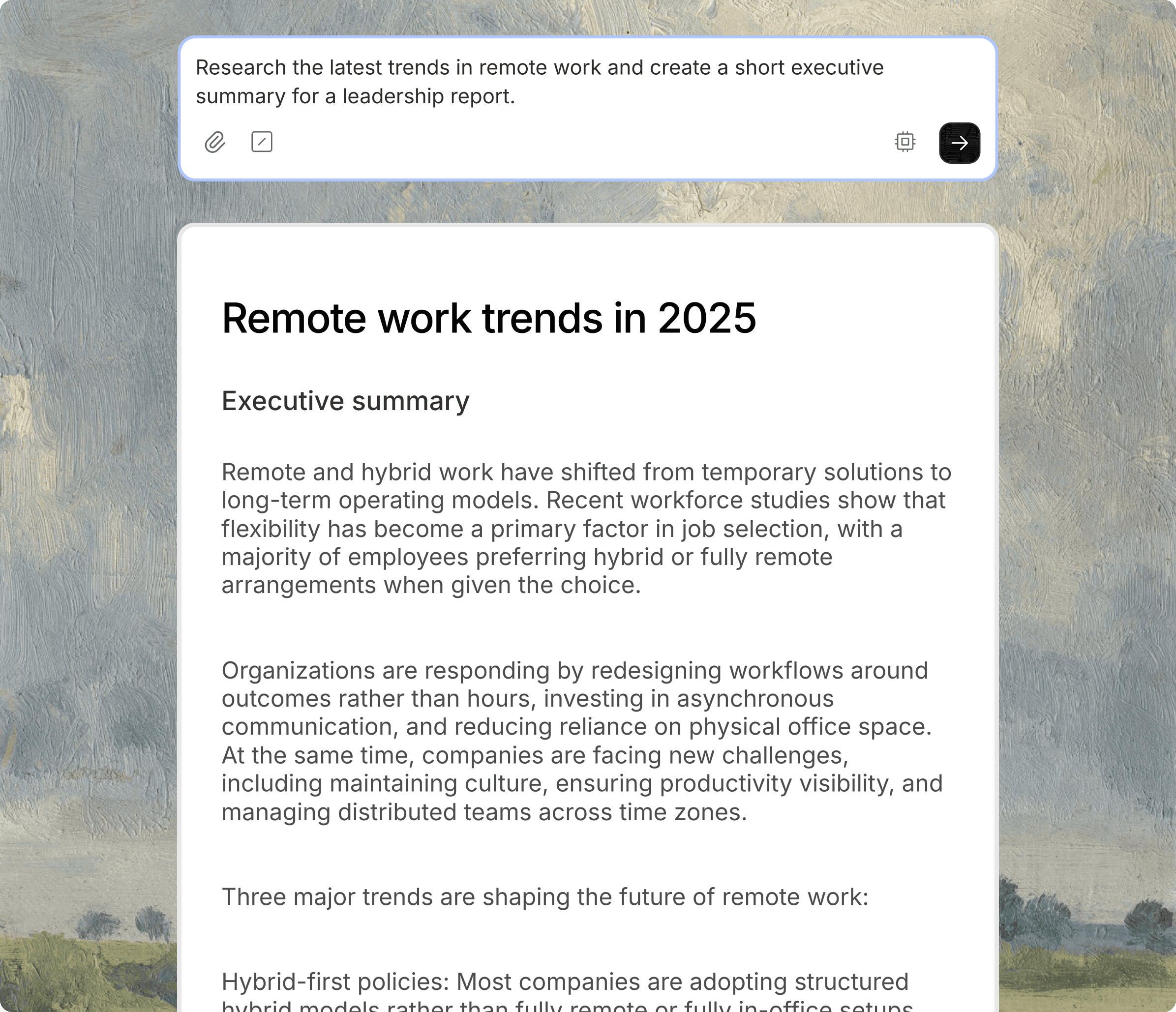
  • Write a short executive summary based on this analysis

  • Generate investment analysis by processing market research documents

  • Highlight any unusual spikes or drops in this dataset

  • Turn this raw text into a clean, formatted project update

  • Find patterns in this customer feedback data and group them into common themes

  • Summarise this spreadsheet in three key insights